
Staff app on phone and tablet
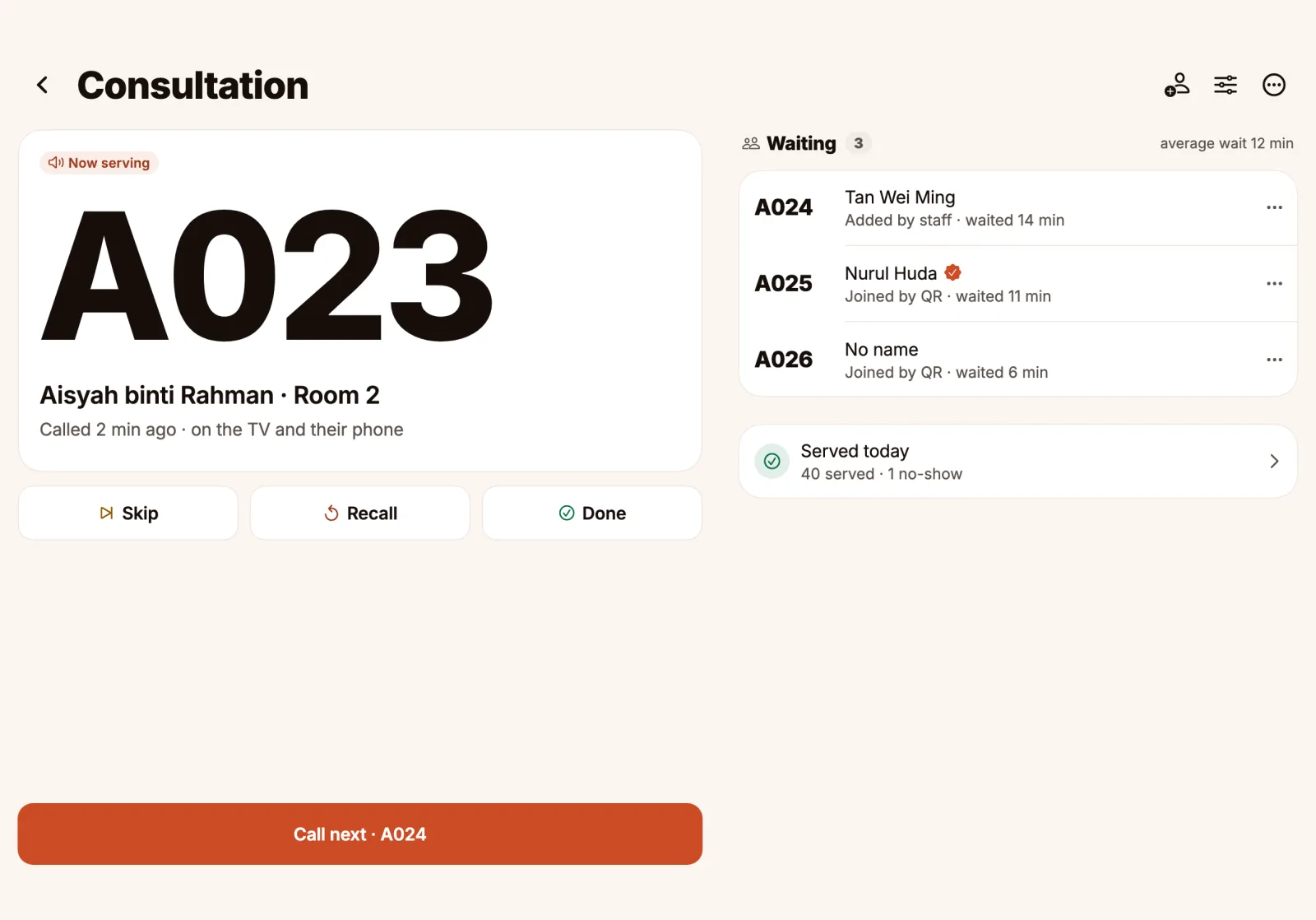
Call next, Skip, Recall and Done, one tap each. On a tablet the number and the waiting list sit side by side. At a desk, the web dashboard does the same with keyboard shortcuts.

Customers scan the QR code at your door and wait wherever they like. You call the next number with one tap, and it shows on your TV and chimes on their phone.


See how it worksFree for up to 50 customers a day
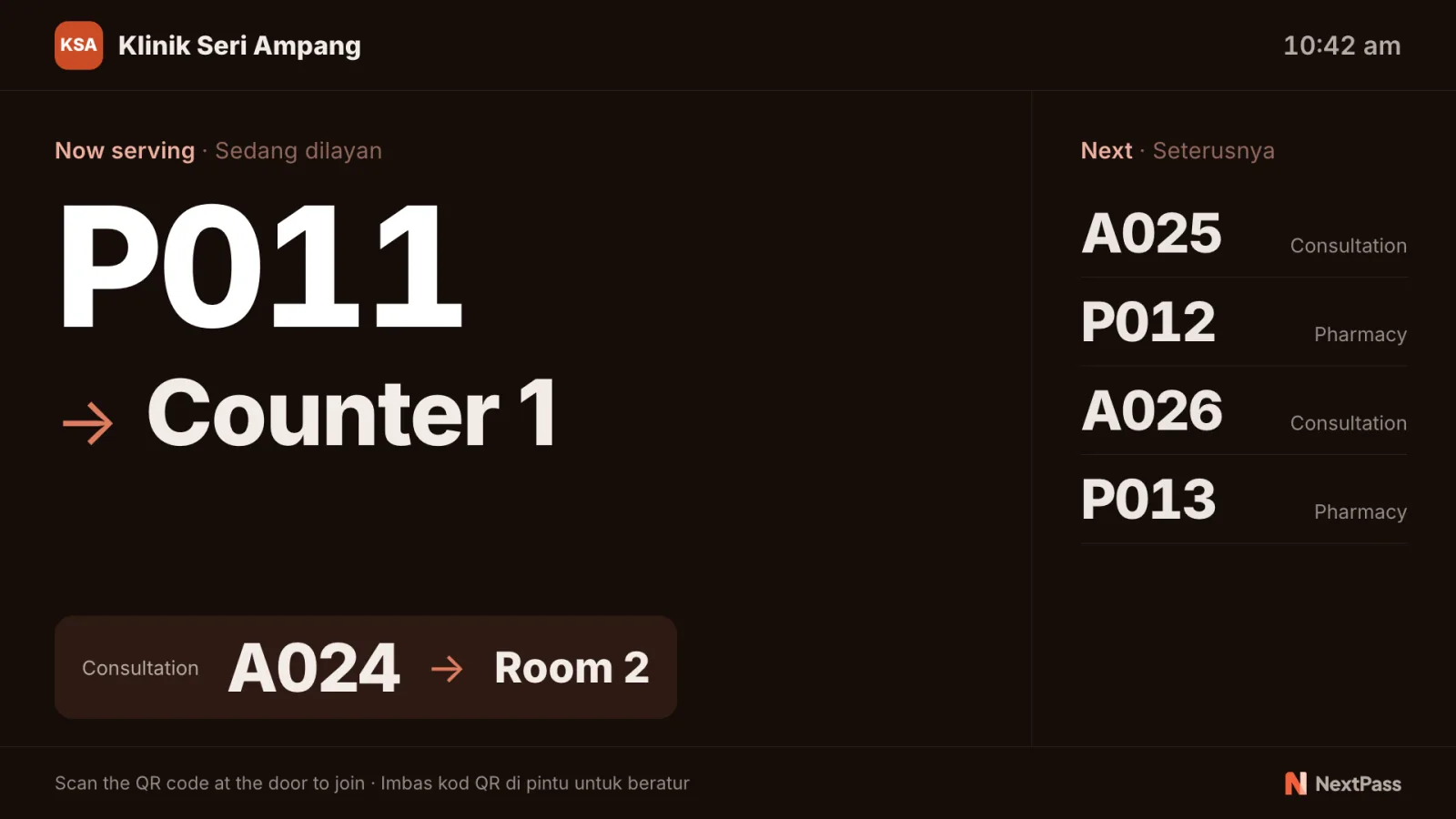
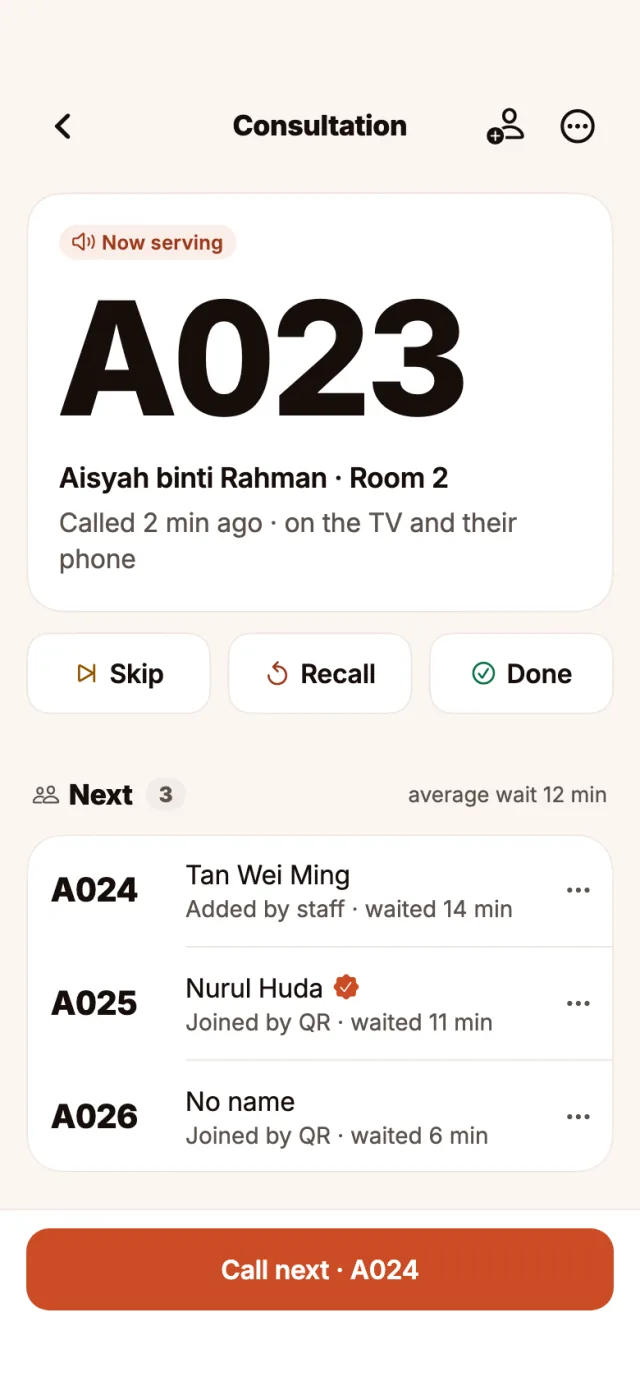
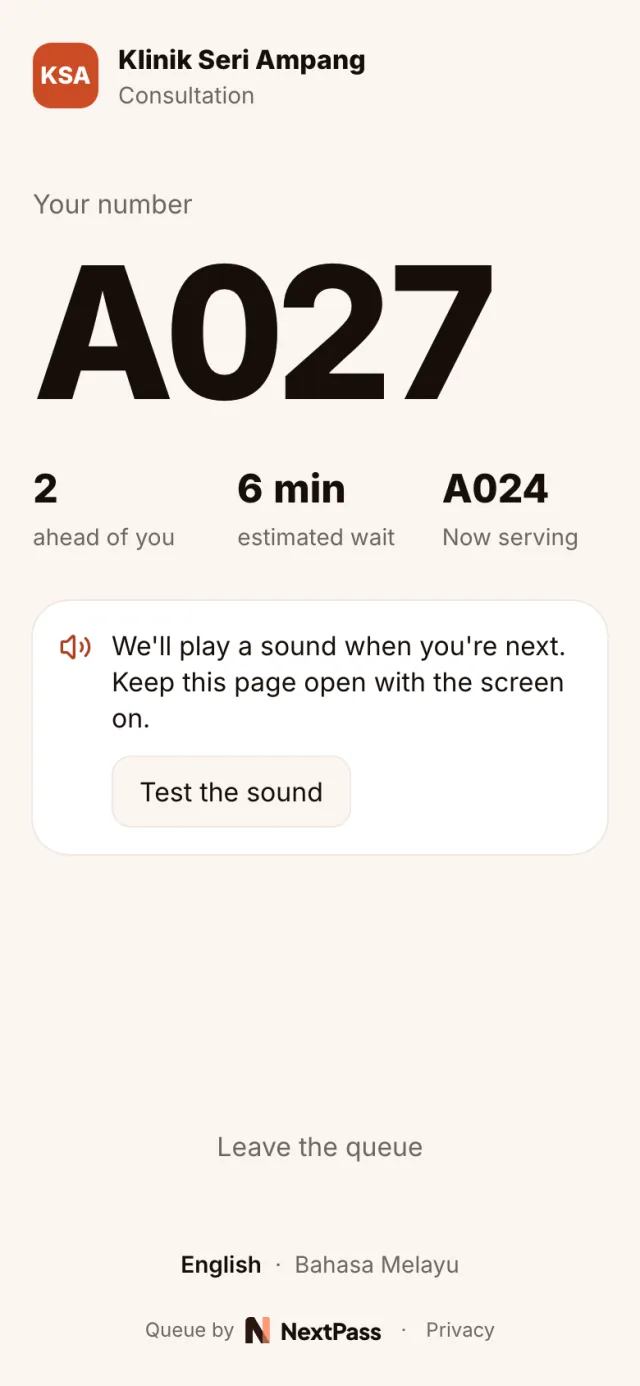
The app, the TV board and a customer's phone, shown with sample data.
Three things happen, and nobody has to stand in line for any of them.
They get a number on their phone. No app to install and no sign-up.
The live page shows how many are ahead and about how long it will be, in English or Bahasa Melayu.
One tap in the app shows the number on the TV and plays a soft sound on the customer’s phone.
A sample queue to try. Press Call next and follow number A027 to its turn.
At the counter
Now serving
A023
Room 2
On the TV
Now serving · Sedang dilayan
A023Room 2
Next · Seterusnya
On their phone
Your number
A027
3 ahead of you
Open the TV page in any TV or computer browser and add it in the app with the code it shows. The board shows the number being served, where to go, and the numbers after it.
If customers stand around for their turn today, a queue on their phone frees the room.
A room for each doctor and a counter for medicine. Customers wait in the car and come back when called.
Customers sit down instead of standing at the counter, and come up when their number shows.
Walk-ins take a number at the door and step out while they wait for a free chair.
Workshops, phone shops and offices: several counters, one queue, and a TV that tells people where to go.
The app does one job per screen, so a new member of staff gets it on the first day.
Call next, Skip, Recall and Done, one tap each. On a tablet the number and the waiting list sit side by side. At a desk, the web dashboard does the same with keyboard shortcuts.
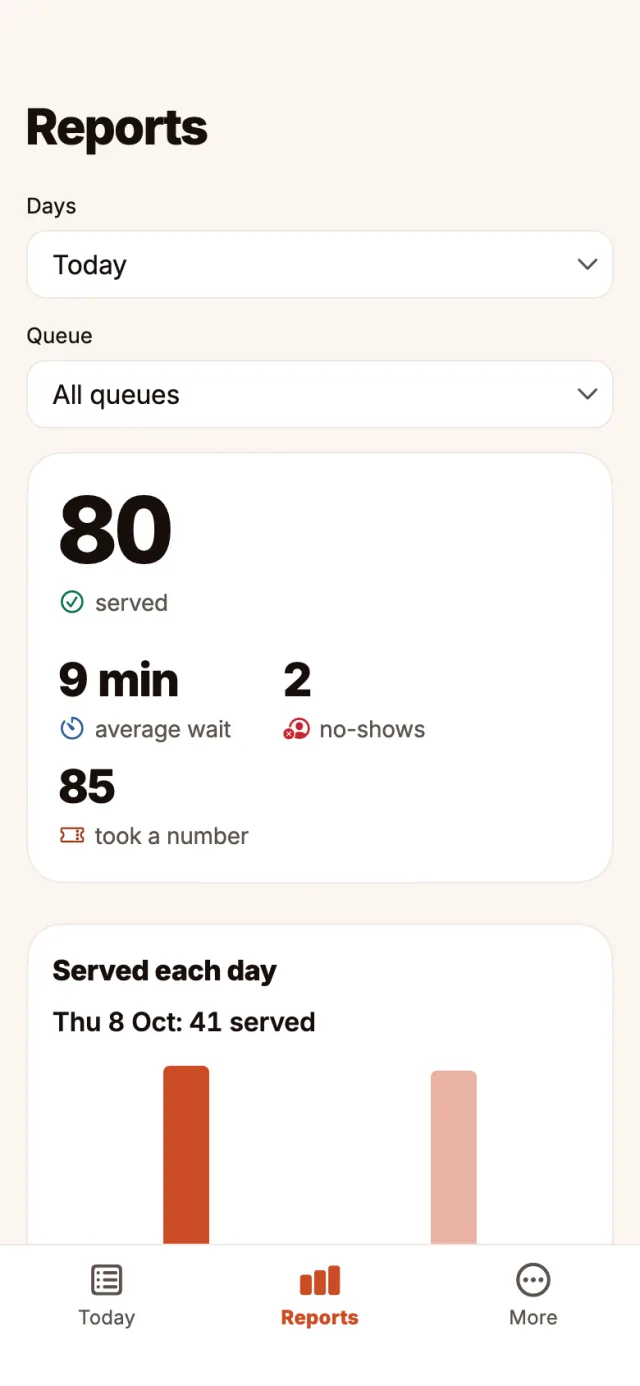
Served, average wait and no-shows for each day. Pro keeps 90 days and shows your busiest hours.
Customers use their phone camera. Nothing to install, no account.
Each customer picks a language. The TV shows both, side by side.
A smart TV or an old laptop: anything with a browser. Add it with a code from the app.
Staff add a customer without a smartphone in two taps. Their number shows on the TV.
A queue can ask for a phone confirmed with a code before joining.
Screens show numbers only. Names and phone numbers are deleted after 90 days.
Free covers one queue and one staff member, you, with up to 50 customers a day. No one is ever turned away. Pro is RM 39 a month or RM 390 a year, with 7 days free.
Compare the plansMore on the help page, or write to support@nextpass.my.
Get the app, add your queue and print the poster. Customers can join as soon as it is on the door.